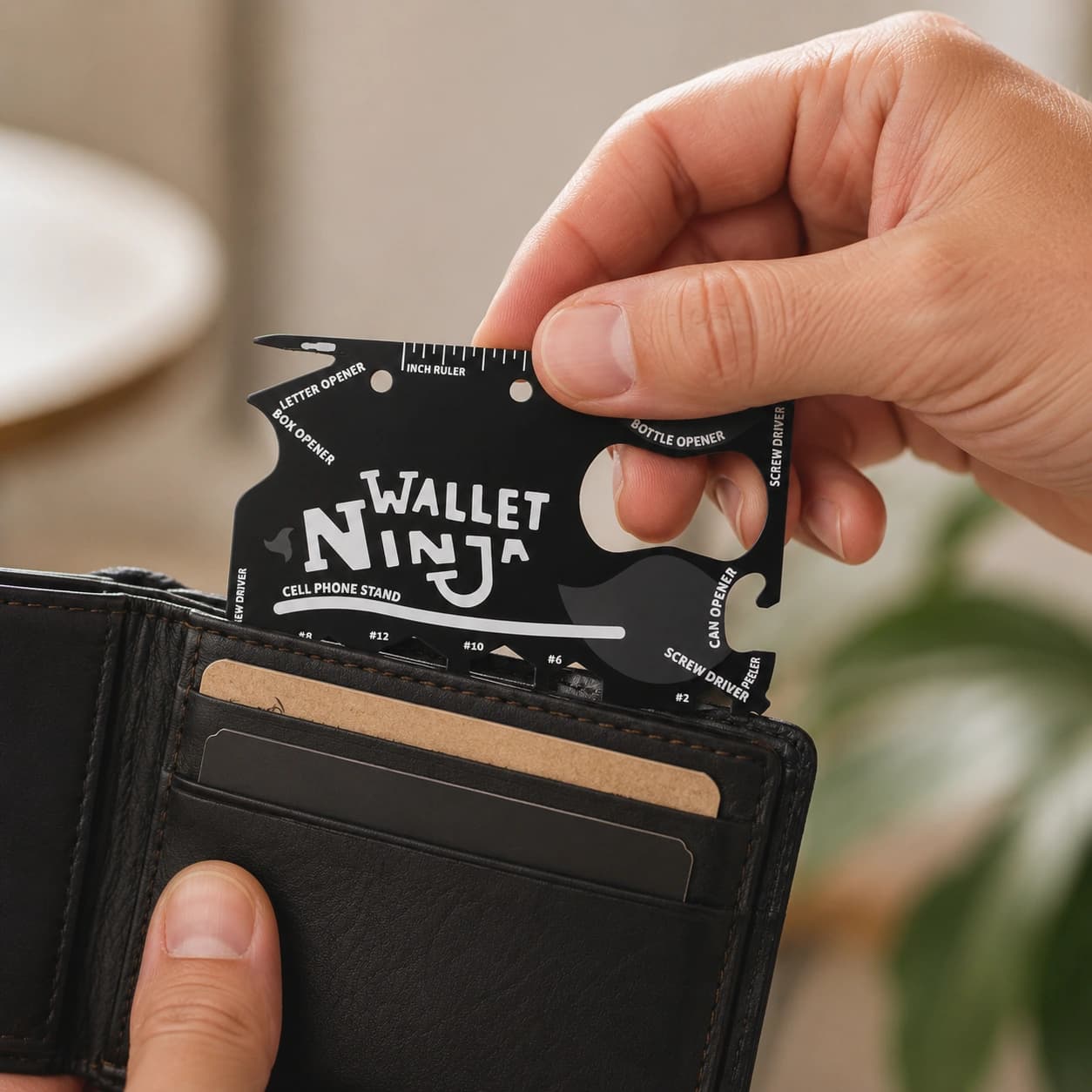
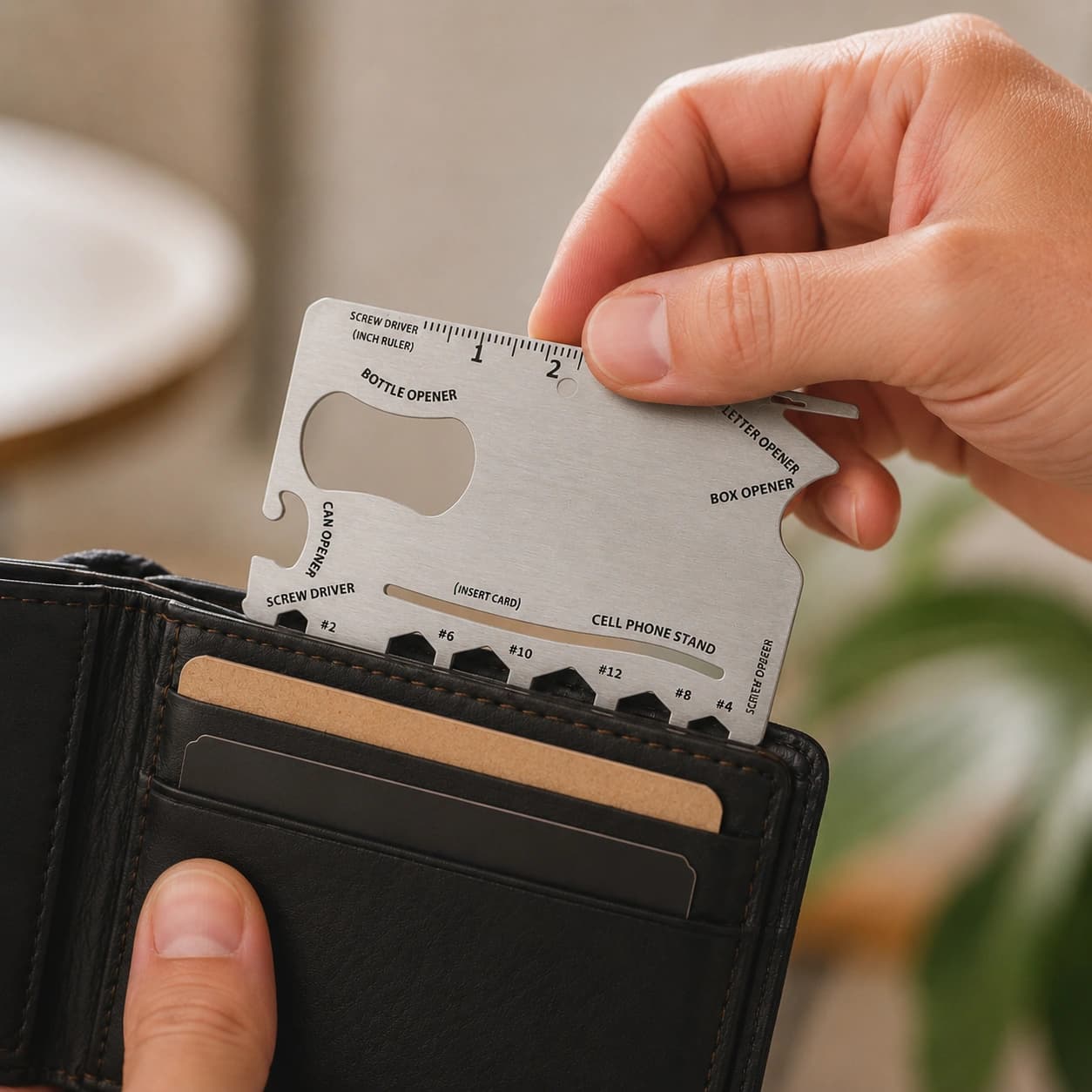
Wallet Ninja125 EGP
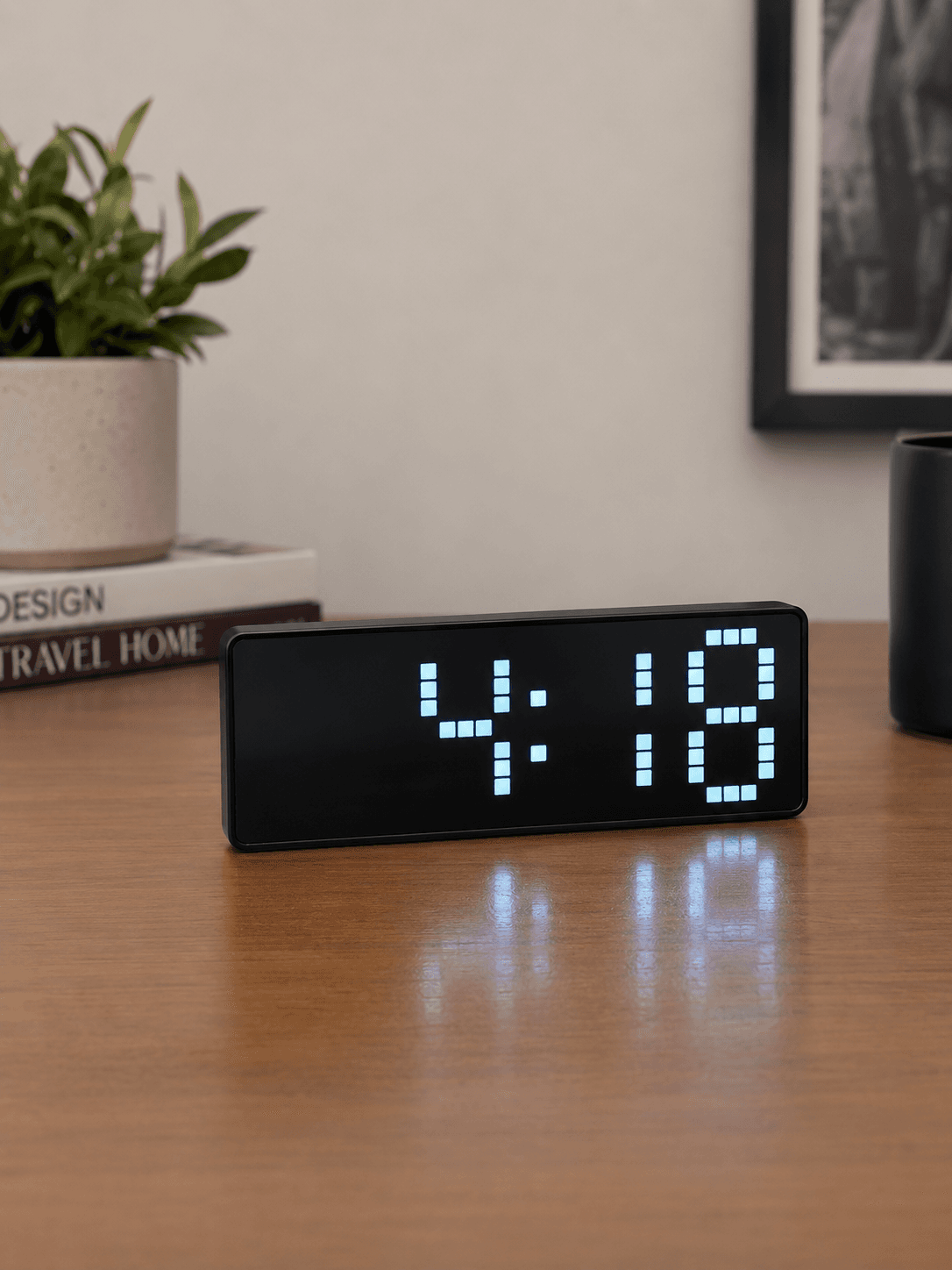
Wake up comfortably and keep track of time with this smart digital LED alarm clock. Designed for convenience and better sleep, it features customizable snooze settings, automatic brightness adjustment, and flexible power options.
Easily snooze your alarm with the top control button and adjust the snooze duration from 1 to 60 minutes to suit your routine.
The LED screen automatically dims in the evening, providing a softer glow that’s easy on the eyes and won’t disturb your sleep.
Supports USB power for continuous display or AAA battery(not include batteries). operation for portable, energy-saving use.
In battery mode, the display enters power-saving standby and can be instantly activated with a clap, touch, or button press.
Hold the Light/Snooze button for 3 seconds to fully turn off the display for a completely dark sleeping environment.
Large, bright digits ensure easy time reading both day and night.How to Use
Press and hold the MODE button.
Use the UP or DOWN button to select 12-hour or 24-hour format.
Press MODE to adjust the hour, then use UP/DOWN to set the correct time.
Press MODE again to adjust the minutes.
Press MODE once more to save your settings.
Press MODE until the date display appears.
Press and hold MODE to enter date settings.
Use UP/DOWN to adjust the year.
Press MODE to switch between year, month, and day settings.
Press MODE again to save.
Press the ALARM button to view the alarm screen.
Press and hold ALARM to enter alarm setup mode.
Use UP/DOWN to set the hour and minutes.
use UP/DOWN to set the snooze duration (from 1 to 60 min)
Press MODE to switch between settings.
Press ALARM once to enable or disable the alarm. An alarm icon will appear when activated.
When the alarm rings, press the LIGHT/SNOOZE button to temporarily pause the alarm and enjoy a few extra minutes of rest.
To automatically cycle between Time, Date, and Temperature, navigate to the temperature screen and press and hold MODE until you hear a beep.
Every product on Rukn is handpicked by us things we found useful, fairly priced, and worth having. Nothing we wouldn't buy ourselves.